 EGP
EGP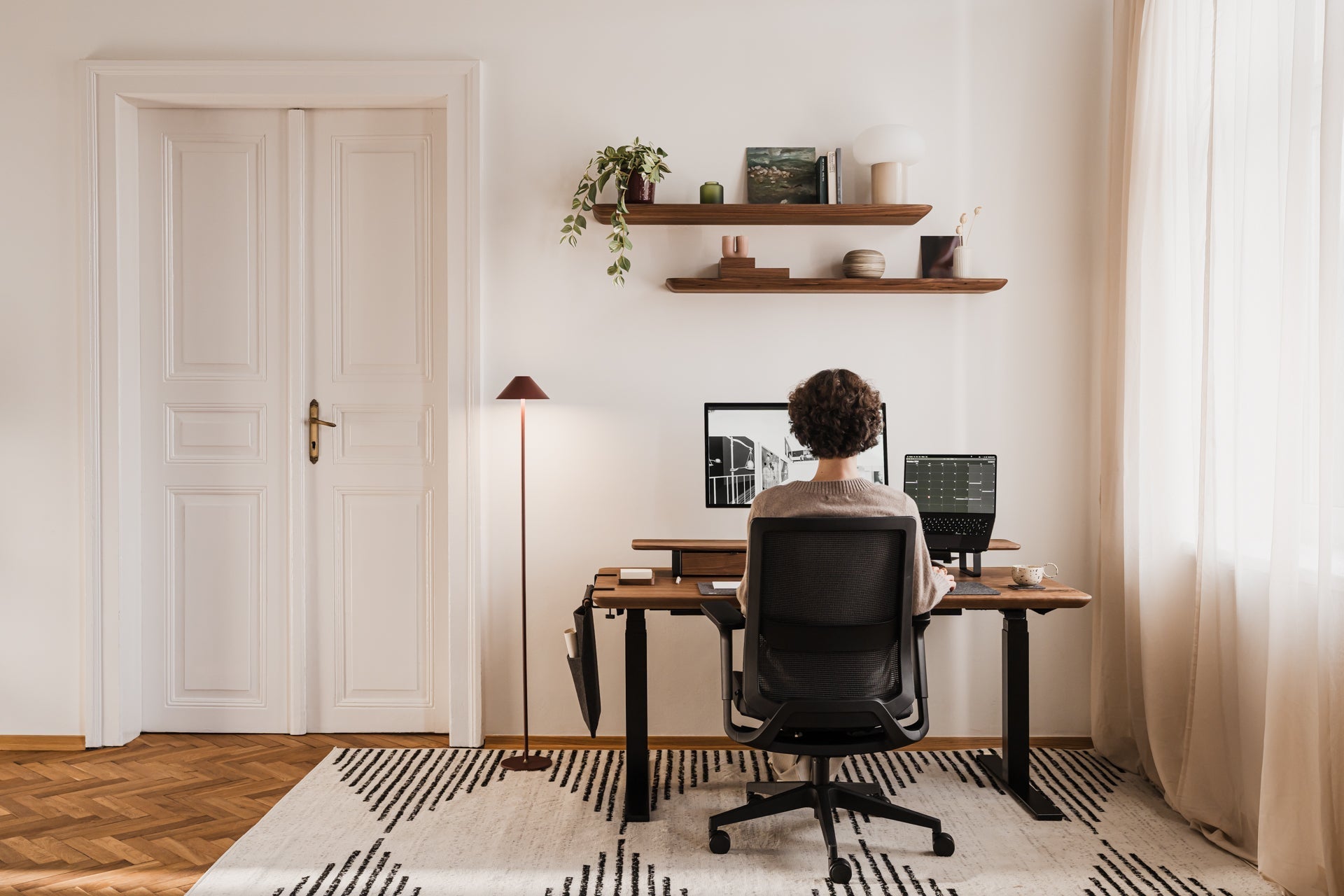
Ergonomic desk step by step: how to set up your monitor, laptop, and keyboard
Why your body needs ergonomics
Even premium furniture won't serve its purpose if you ignore biomechanics principles. Wrist pain or a 'tech neck' hump are not inevitable consequences of office work — they are signals that adjustments are needed. Proper posture should become your natural habit when investing in quality workspace pieces.
How to set up an ergonomic home office: the foundations
Begin with basics: feet resting flat on the floor with knees at 90 degrees. If your desk isn't height-adjustable, modify your chair height so forearms rest comfortably on the desktop surface.
Step 1: how to position your monitor correctly
Position the screen directly in front of you. The ergonomic screen height is when the top edge of the display is at, or slightly below, eye level. The mini test: close your eyes while sitting upright, then open them — your gaze should land on the screen's top third. The most common mistake involves positioning monitors too low, forcing forward head tilt.
Step 2: how to work ergonomically on a laptop
Direct laptop use damages your cervical spine since the screen sits too low and the keyboard forces unnatural wrist angles. Solution: use a laptop stand to raise the screen to eye level, then connect an external keyboard and mouse. Check that shoulders remain relaxed while typing.
Step 3: ergonomic keyboard and mouse setup
Your wrists require protection from long-term pressure. Your forearms and hands should form a straight line parallel to the desk surface. Position the keyboard approximately 10–15 cm from the desk edge for wrist support, and check that wrists aren't bent upward.
Ergonomic workspace checklist
Monitor positioned directly in front, not angled
Monitor distance: 50–70 cm (arm's length)
Top screen edge at eye level
Laptop on a dedicated stand
Keyboard and mouse at the same height
Elbows bent at 90–100 degrees
Feet flat on the floor
Lower back properly supported
Side lighting without screen glare
Summary: what should you do today?
Implementation doesn't require replacing everything at once. Relocate your monitor to arm's length, use books under your laptop temporarily if you lack a stand, verify upright posture with feet touching the floor, and take stretching breaks every hour.
More from the Journal
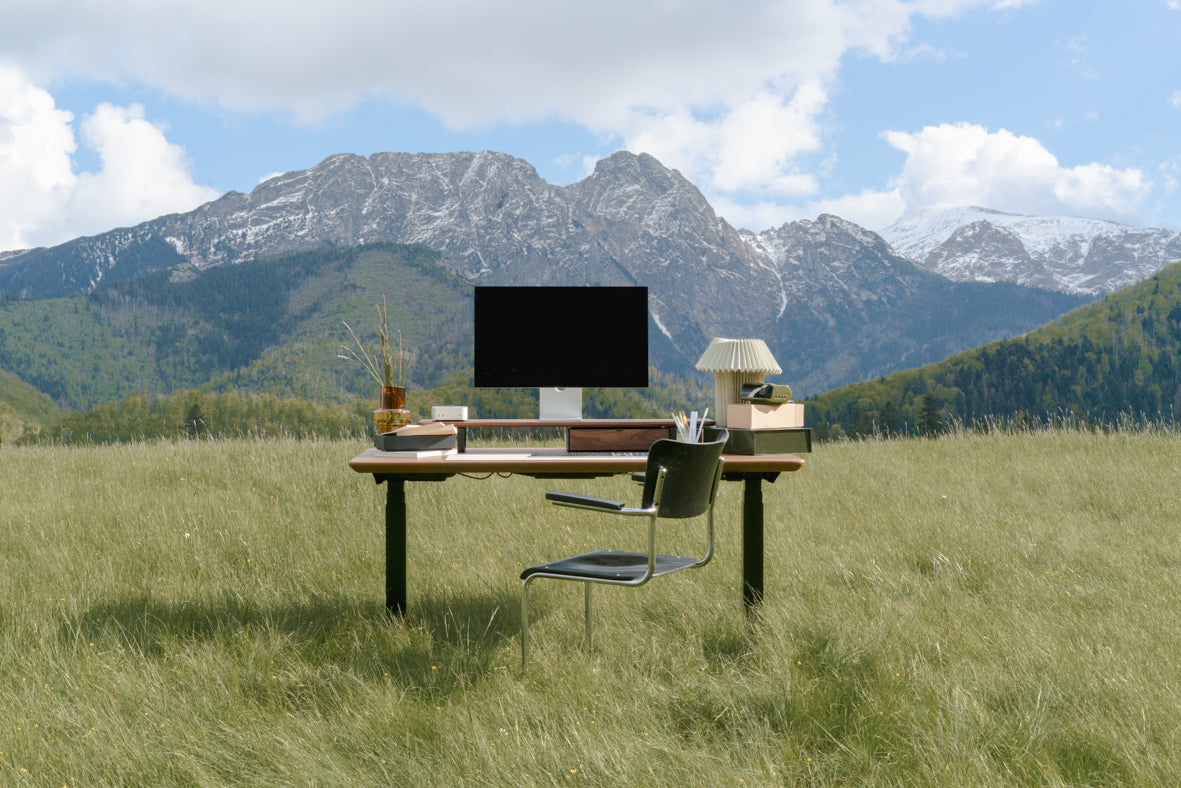
The best desk height for your body
Standard desks ignore that bodies differ. Here's how to measure your ideal sitting and standing height — and why it matters for focus and your spine.
May 31, 2026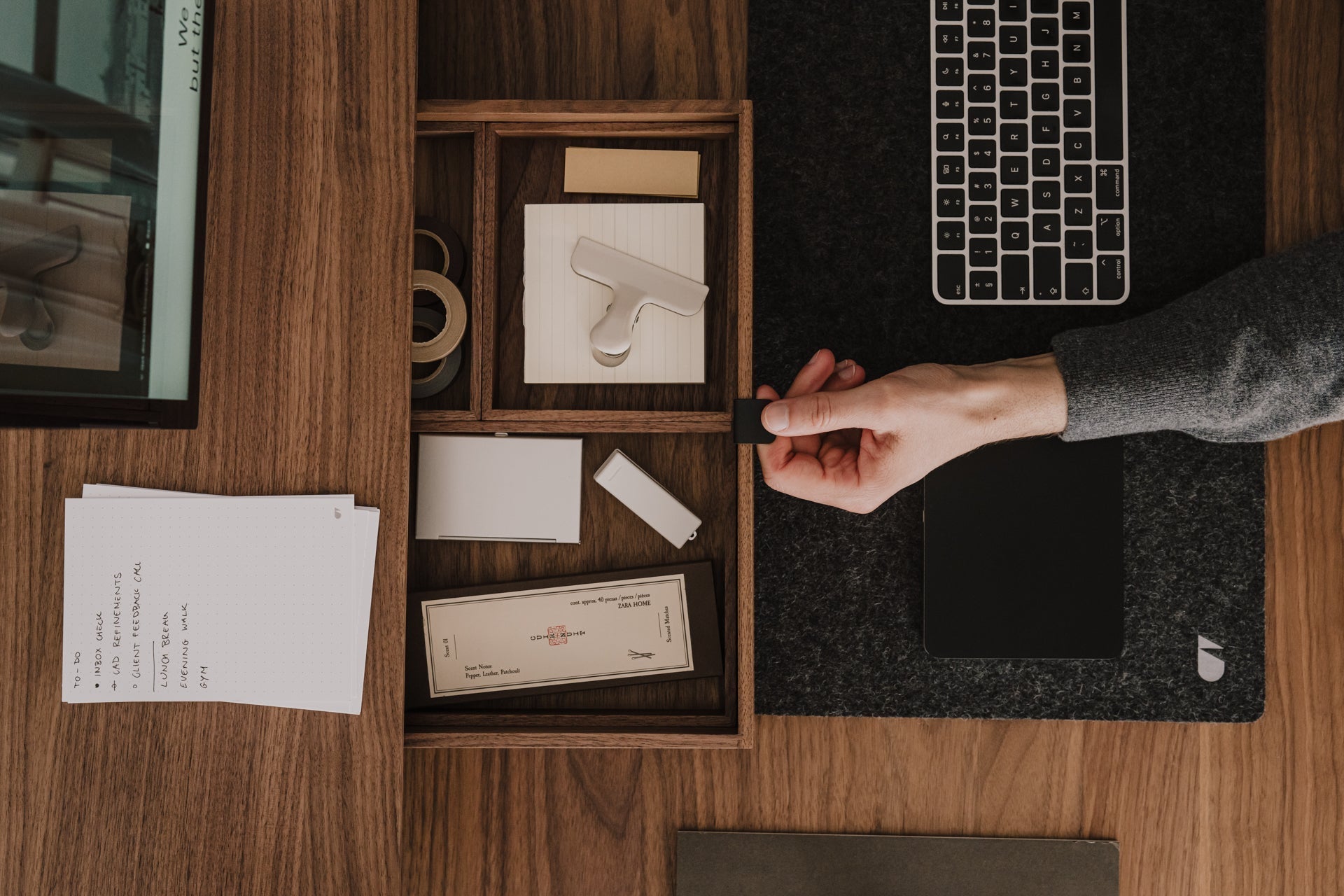
How to organize your desk for productivity using the zones method
Stop losing momentum hunting for your pen. The zones method aligns your desk layout with how you actually work, so everything is where your hand expects it.
March 25, 2026